troubleshooting
Fix spreadsheet sharing access errors
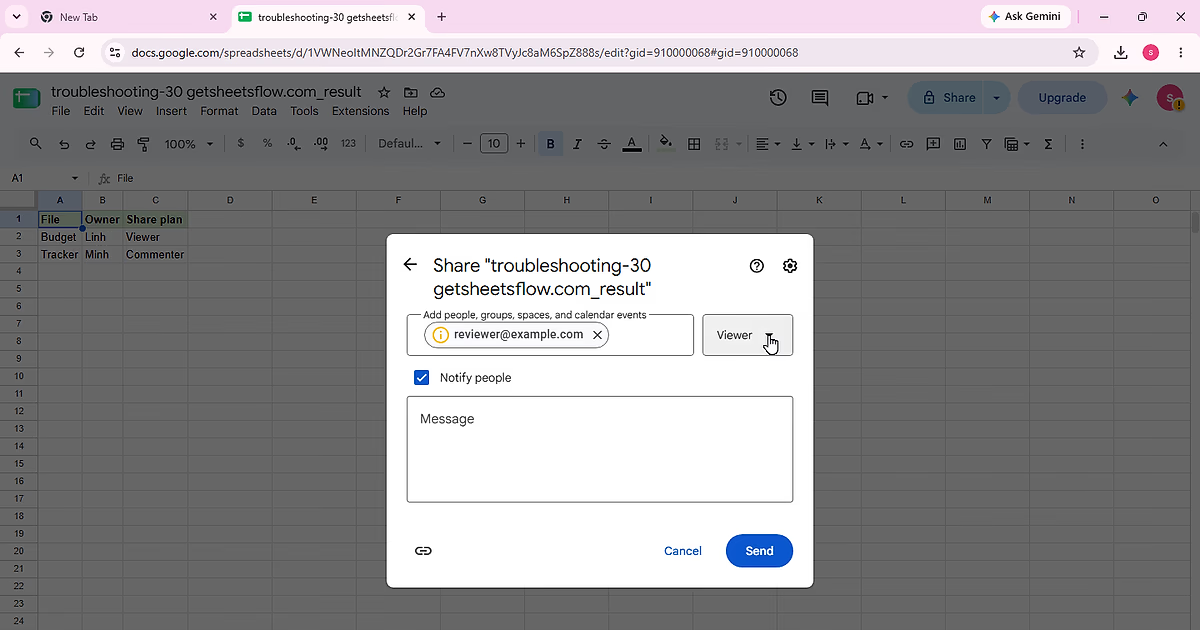
Diagnose Google Sheets sharing failures by checking who has access, General access, and the recipient role without broadening permissions unnecessarily.
11 min readRead guide ↗
Clear tutorials, ready-to-use formulas and practical templates to help you work smarter in Google Sheets.
Bite-sized guides for real spreadsheet problems.
Diagnose Google Sheets sharing failures by checking who has access, General access, and the recipient role without broadening permissions unnecessarily.
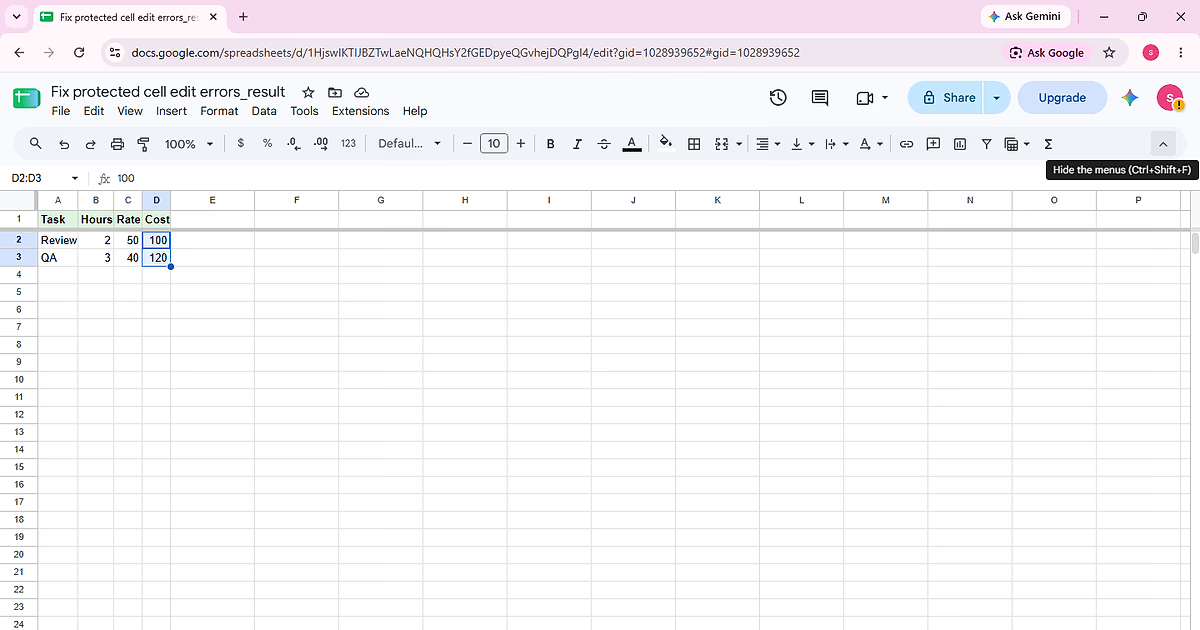
Diagnose why a protected Google Sheets cell cannot be edited, confirm the protected range, and choose the right permission fix without removing protection from unrelated cells.
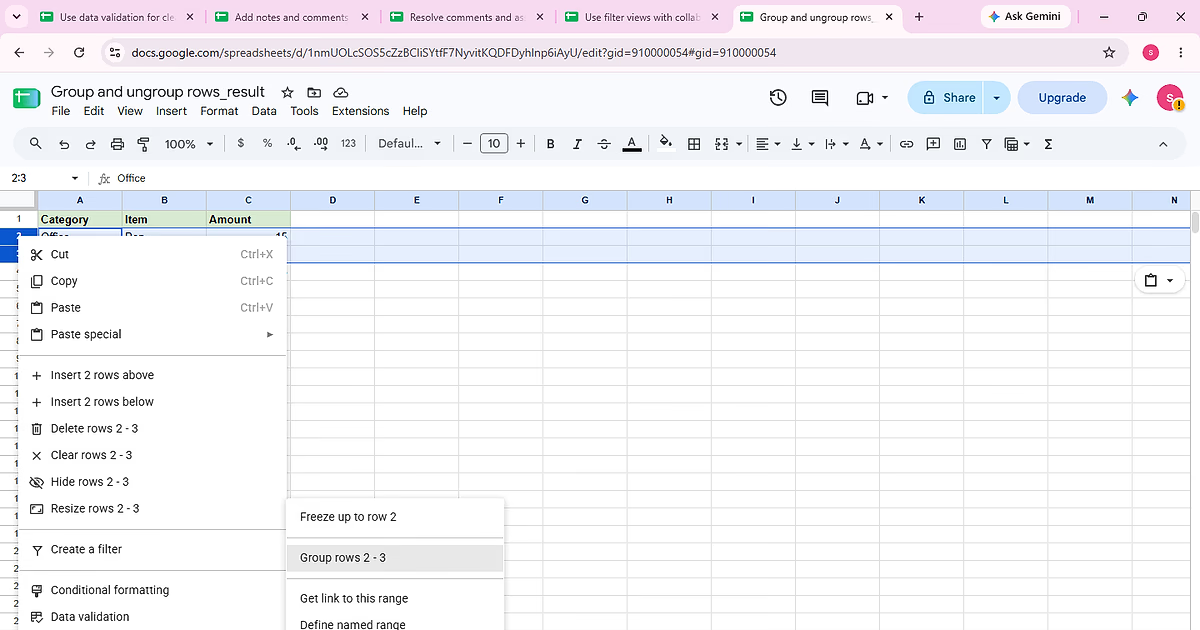
Complete “Group and ungroup rows” using the visible Category, Item, Amount sample so each action and the final state can be checked against the source data.
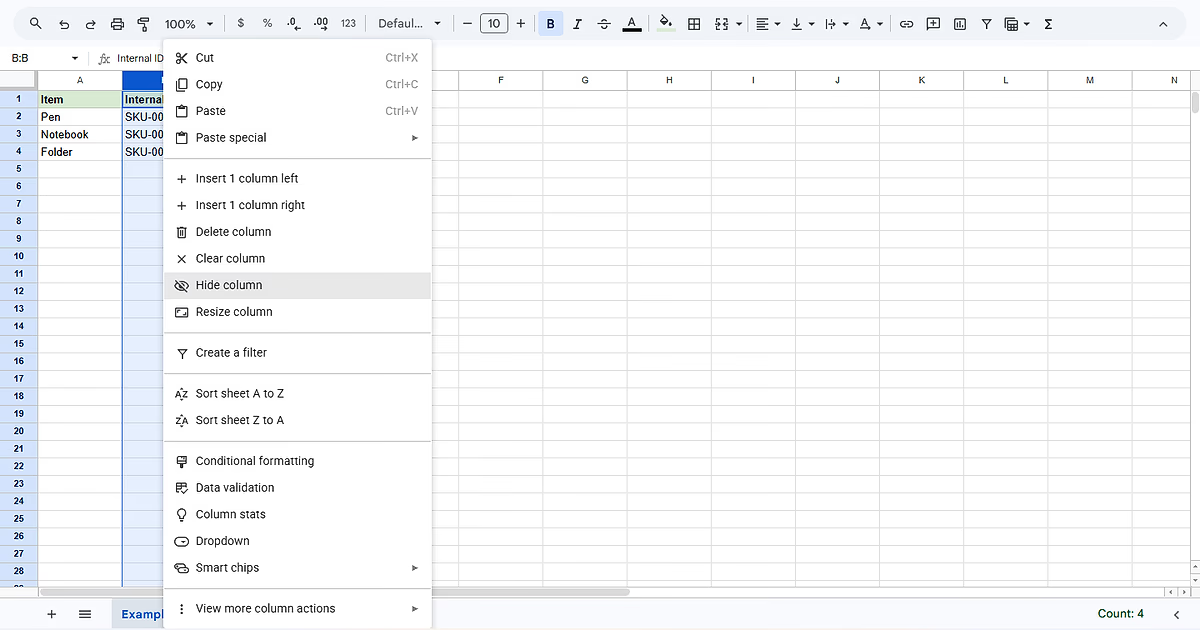
Complete “Hide and unhide rows and columns” using the visible Item, Internal ID, Status sample so each action and the final state can be checked against the source data.
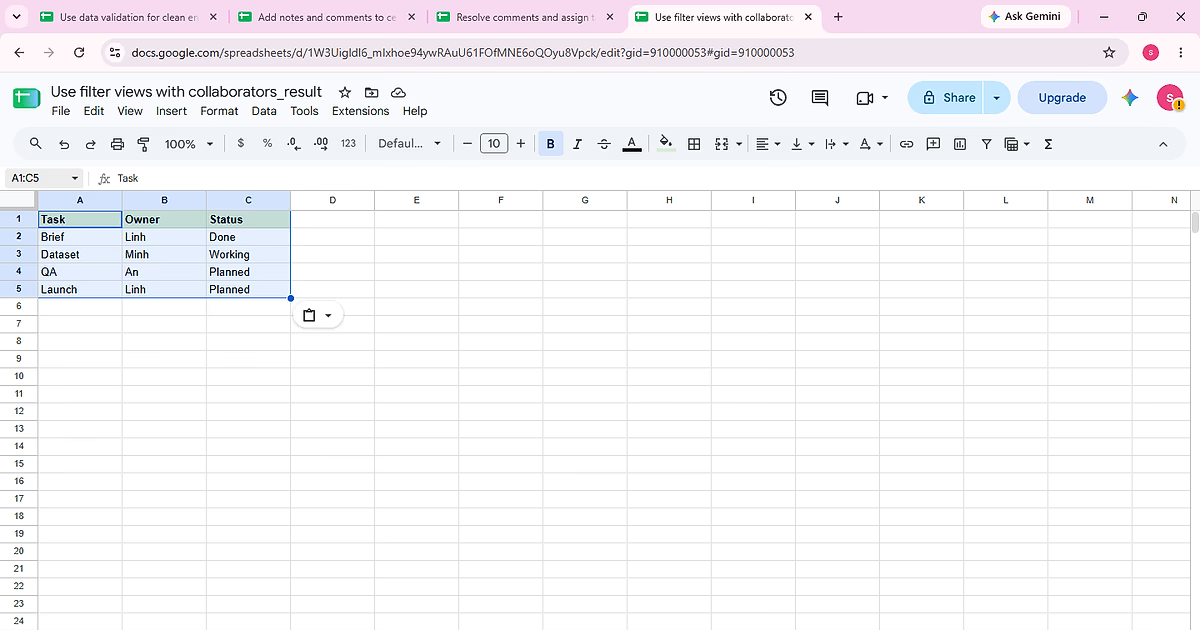
Complete “Use filter views with collaborators” using the visible Task, Owner, Status sample so each action and the final state can be checked against the source data.
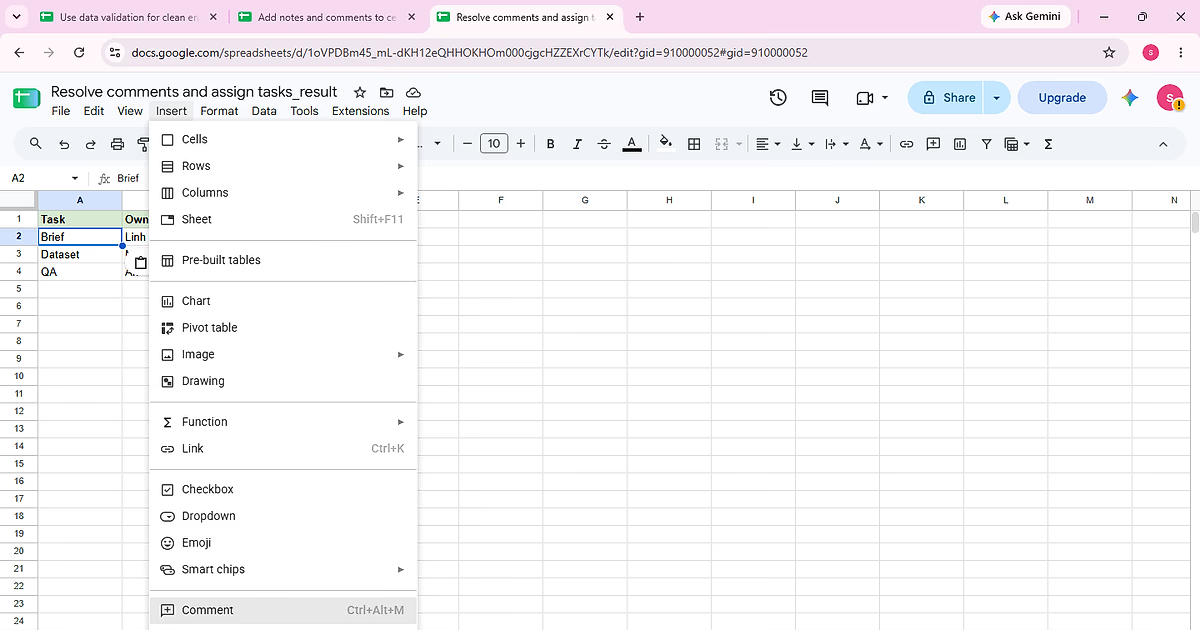
Complete “Resolve comments and assign tasks” using the visible Task, Owner, Status sample so each action and the final state can be checked against the source data.
Find the right function, understand the syntax and put it to work.