Beginner Guides
Google Sheets for Beginners
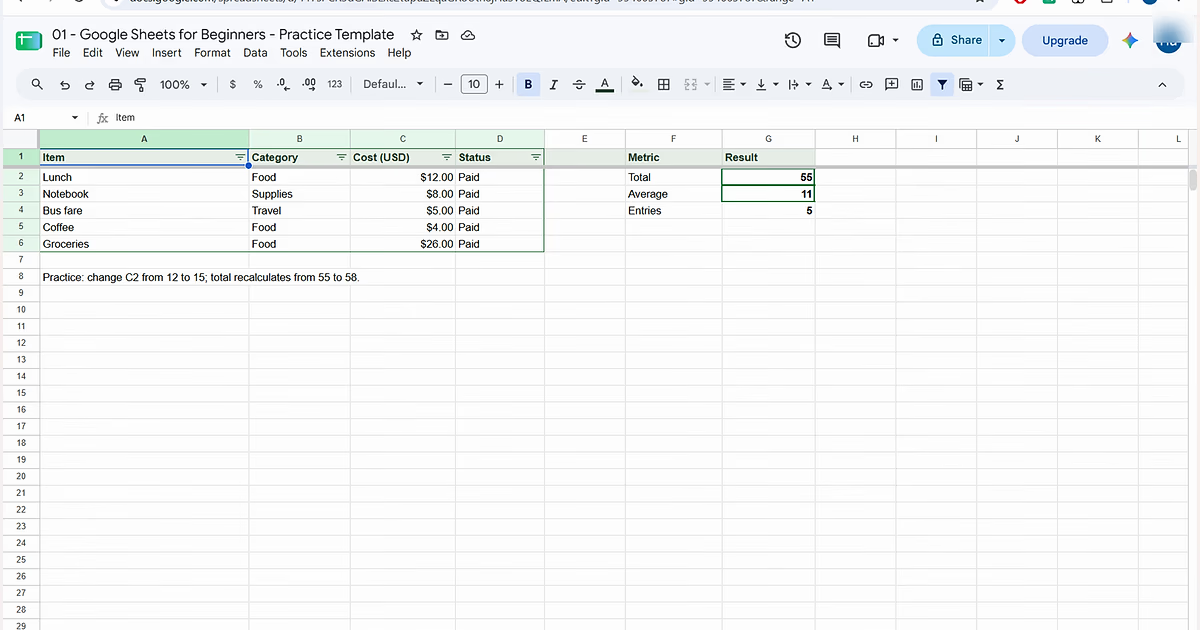
Create your first spreadsheet with a real expense tracker. Learn cells, formatting, filters, sharing, SUM, AVERAGE and COUNT with verified screenshots and results.
11 min readStart lesson →
No more guessing what to learn next. Start with the foundations, practice in real spreadsheets, check your understanding, then progress into formulas, dashboards and automation.
Paths turn individual lessons into a guided sequence instead of a loose article library.
Each lesson focuses on one skill with examples, checkpoints and a clear next step.
Create your first spreadsheet with a real expense tracker. Learn cells, formatting, filters, sharing, SUM, AVERAGE and COUNT with verified screenshots and results.
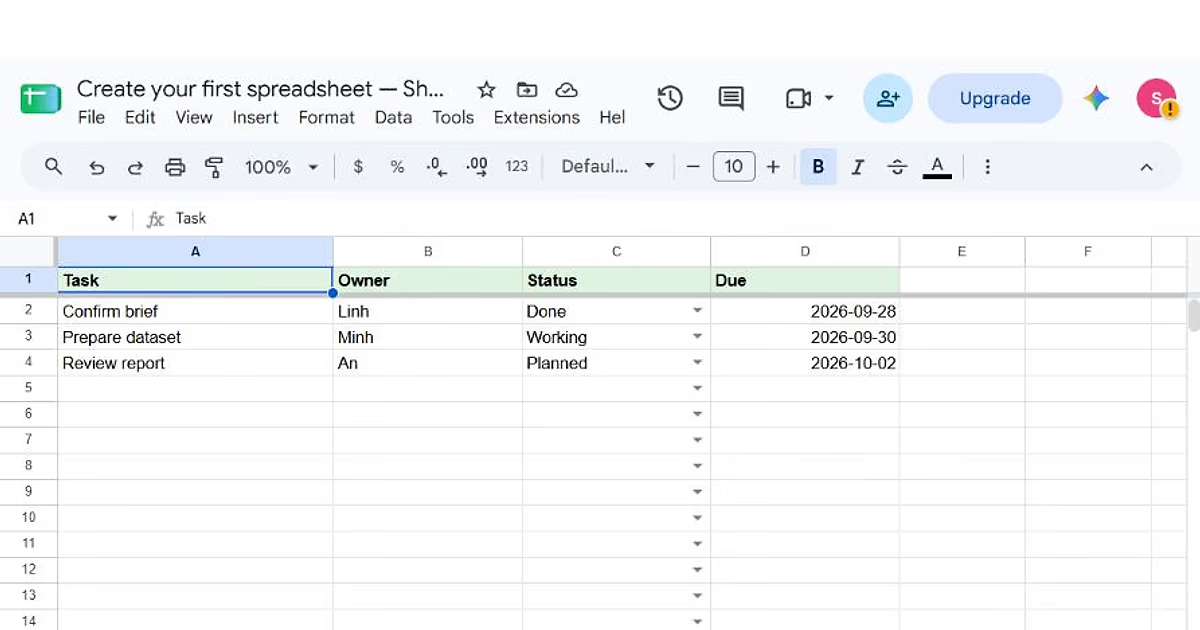
Build a real four-column task tracker with a frozen header, status dropdowns, valid due dates and a matching practice workbook.
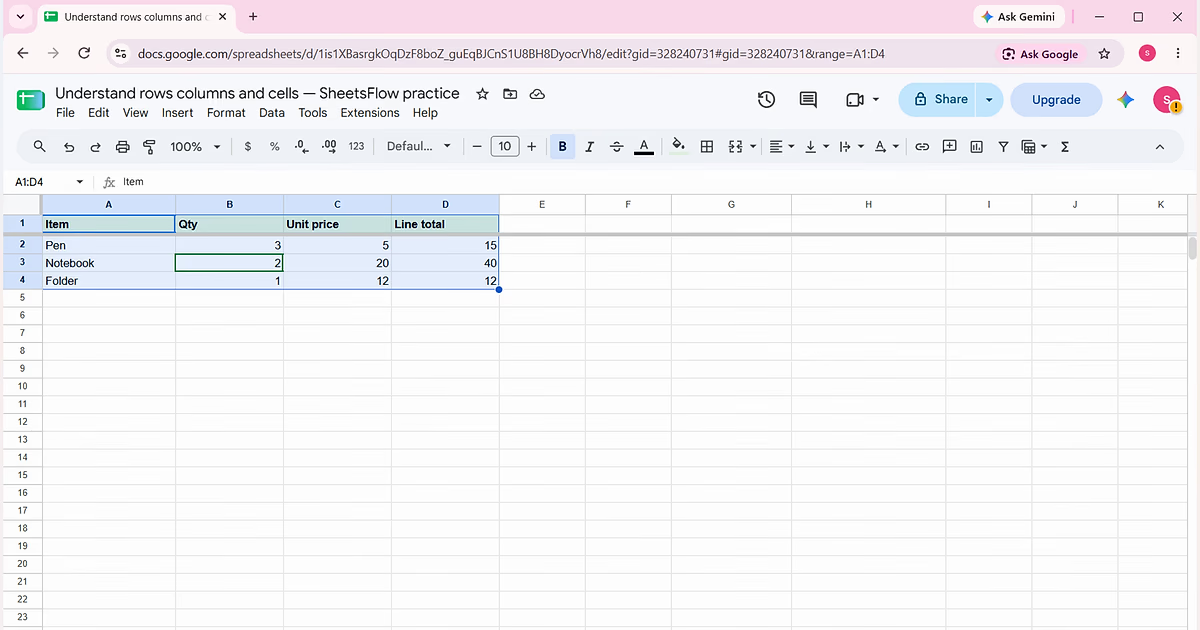
Learn how to read Google Sheets cell addresses, select ranges and calculate line totals with a four-row practice table.
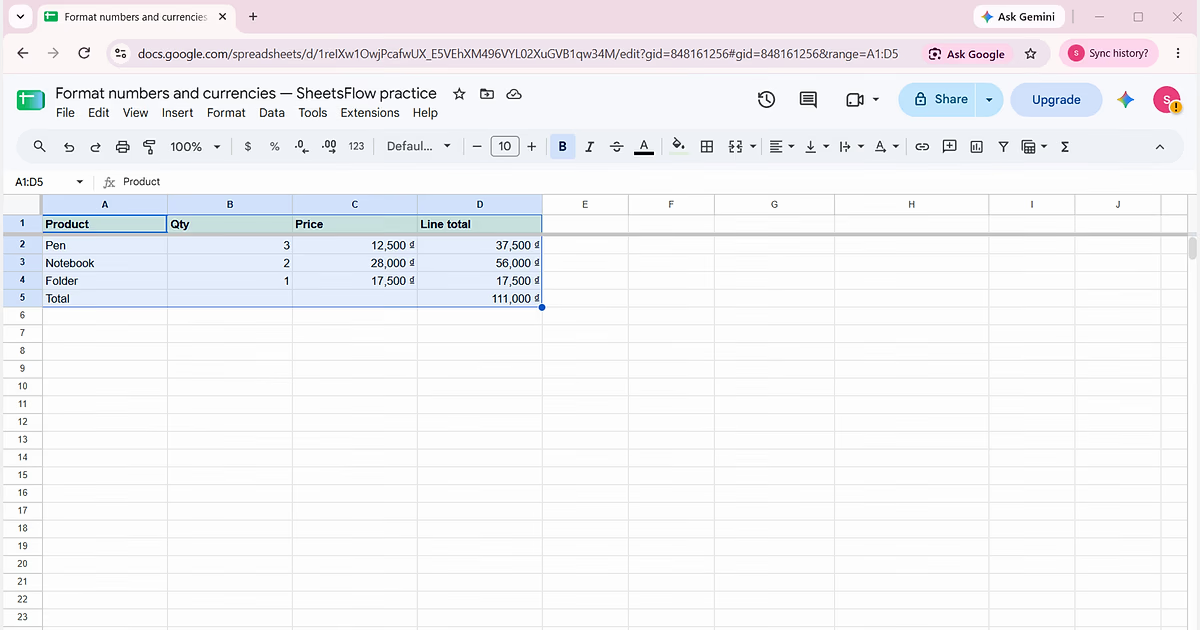
Format real numbers as Vietnamese đồng, calculate item totals and keep the underlying values numeric.
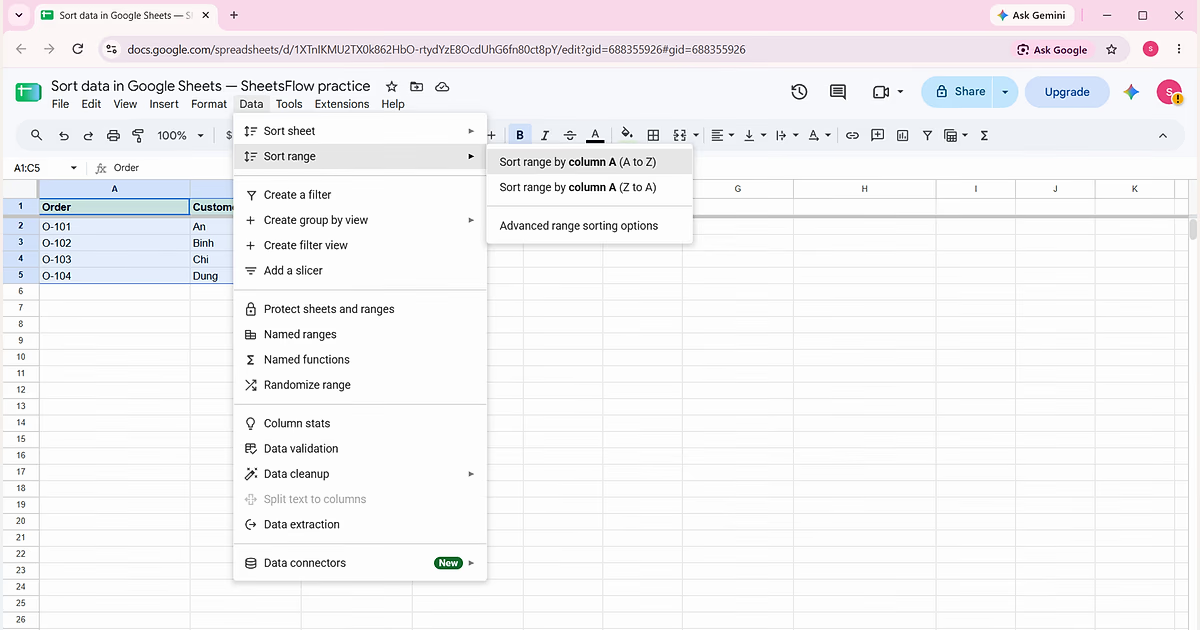
Sort an order table without separating customers from their orders.
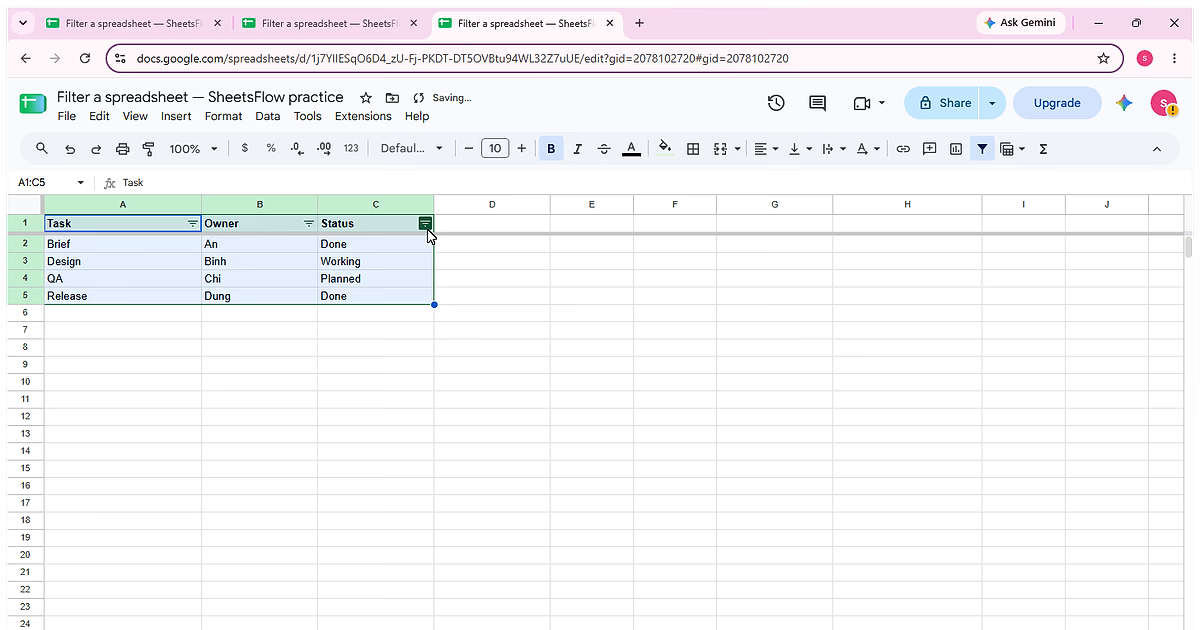
Complete “Filter a spreadsheet” using the visible Task, Owner, Status sample so each action and the final state can be checked against the source data.
Paths are for structured learning; the function library and tools are for solving a specific problem right now.